What you get.
Segal Compute
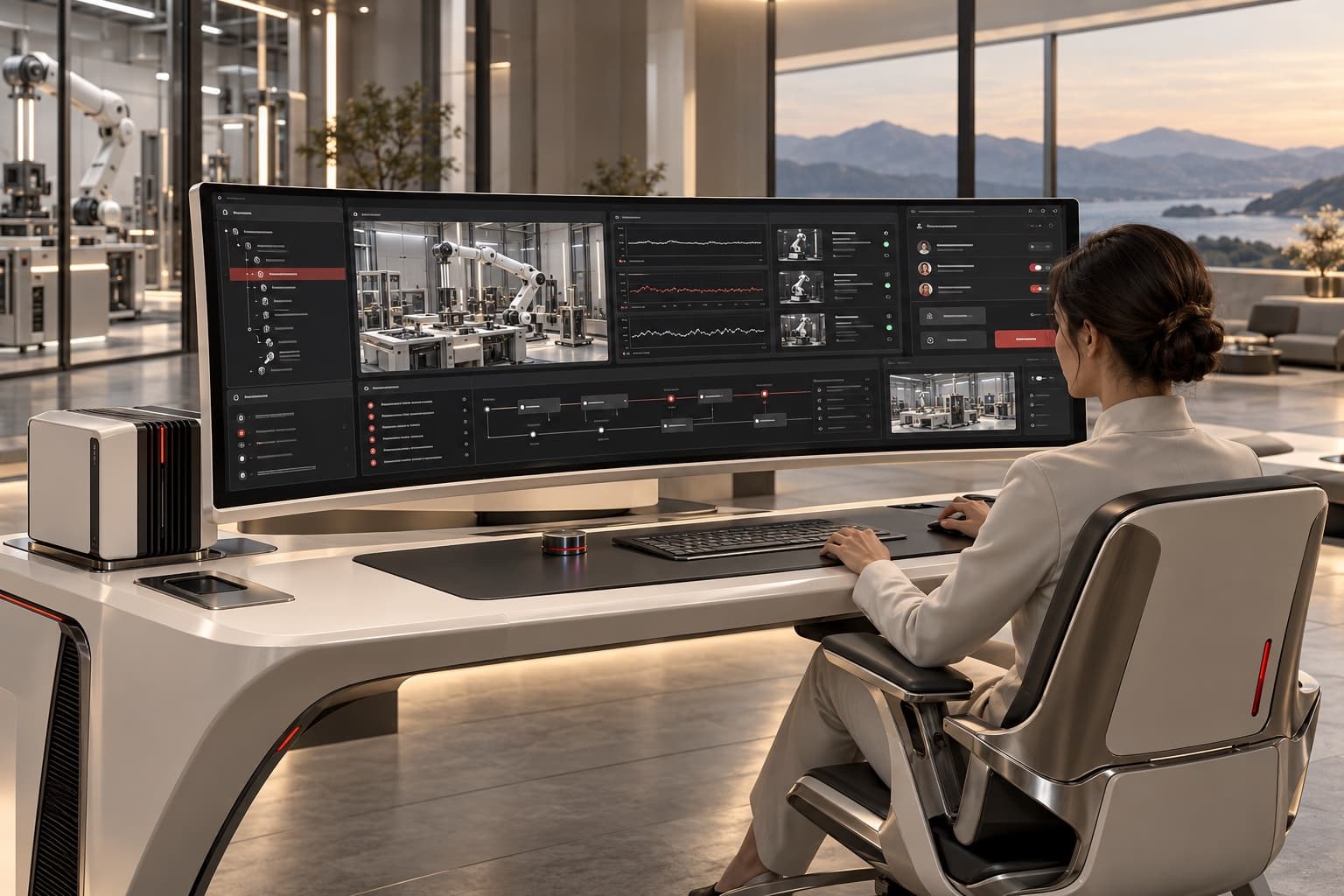
The console is how an operator sees a system and acts on it, with a record of what was done.
An operations screen needs to connect information with authority to act. System state, role-based actions, history, and recovery should be understandable in the same workspace. The console follows the operating team and the decisions they must make, rather than treating telemetry as a display alone.
Actions
Controls follow a role and a permission.
State
Telemetry and context show what happened.
History
Changes and decisions stay available for review.
Three nodes
Capacity, the picture, the link.
Compute platform
Where the work runs
Operations console
The picture of it
The link
What happens when it drops
Solid while the link holds. Broken while it does not.
In Compute
02 / 03
Build the frontier
with us.
Share the objective, the requirements, and the business you want to reach. Project and partnership enquiries all come through the same form.
Discuss a Project